
Official template mapping
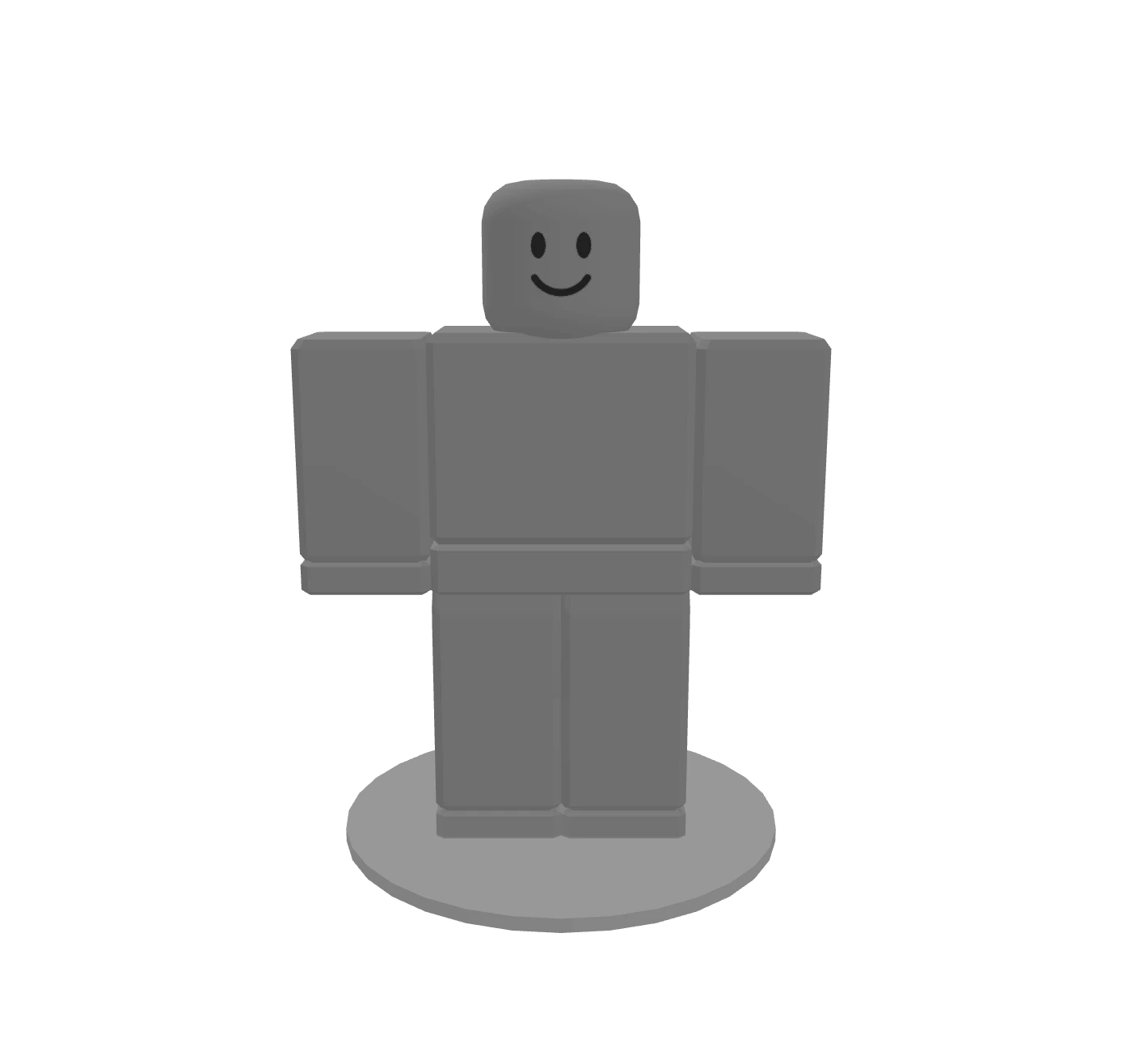
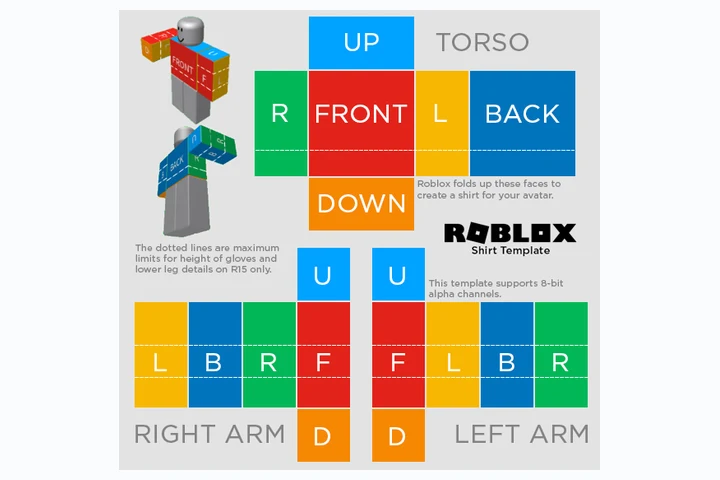
585×559 shirt and pants rectangles map to the Blocky body.
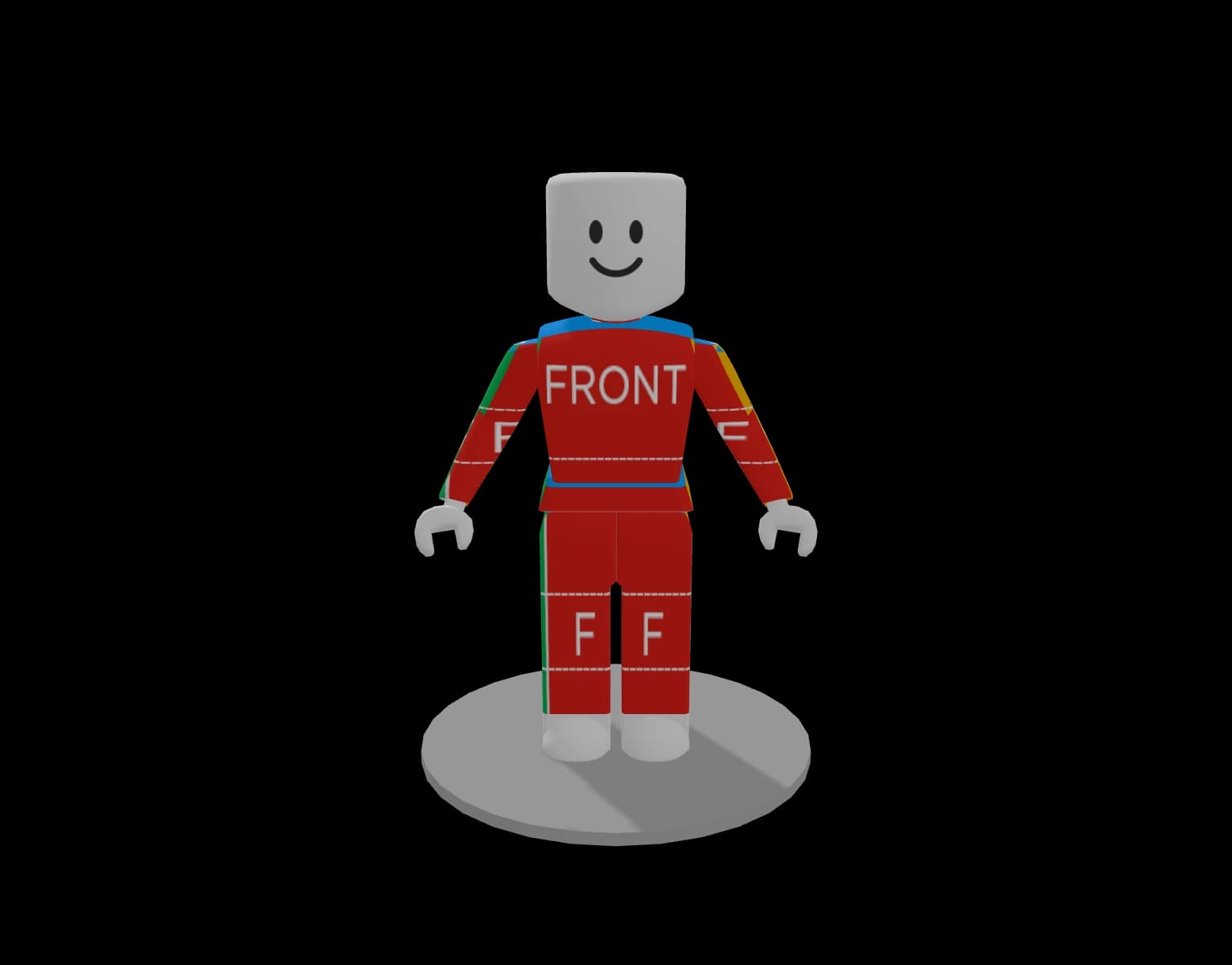
Preview sleeves, torso panels and leg panels against the same classic clothing template layout Roblox expects.
📢 Roblox's 2026 clothing update is live — 80 Robux to upload classic clothing, 10 Robux to publish.
Read the guideA Roblox Clothing Tester is a free in-browser preview tool that maps your 585×559 shirt or pants template onto an R15 avatar, so you can check fit, colors and seams before uploading.
No design yet?
Describe your idea and let AI generate a ready-to-upload classic shirt template in seconds.
Designing layered 3D clothing instead? Try the AI Roblox clothing maker for marketplace-ready outfits.
Preview the official template on an avatar, check the wrap, then iterate before you spend Robux on an upload attempt.
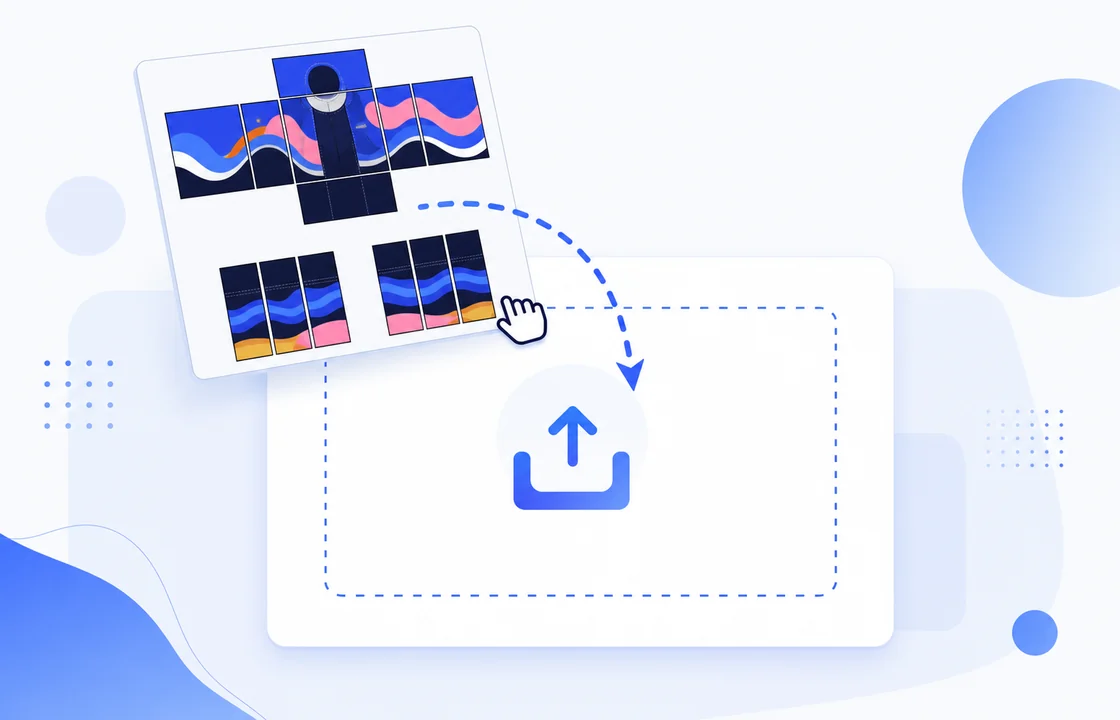
Drop a 585×559 shirt or pants template, paste an image, or start with the built-in sample. PNG, JPG and WebP files are supported.
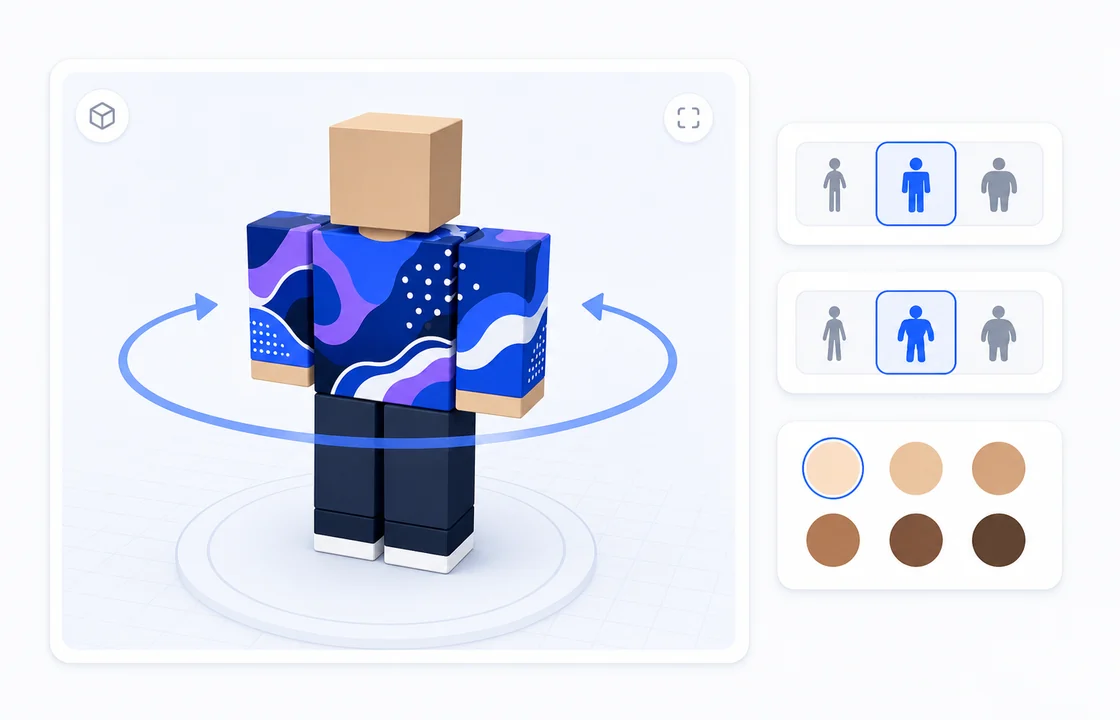
Rotate the preview, switch between Blocky, Man and Woman body types, and test six skin tones to catch fit issues early.
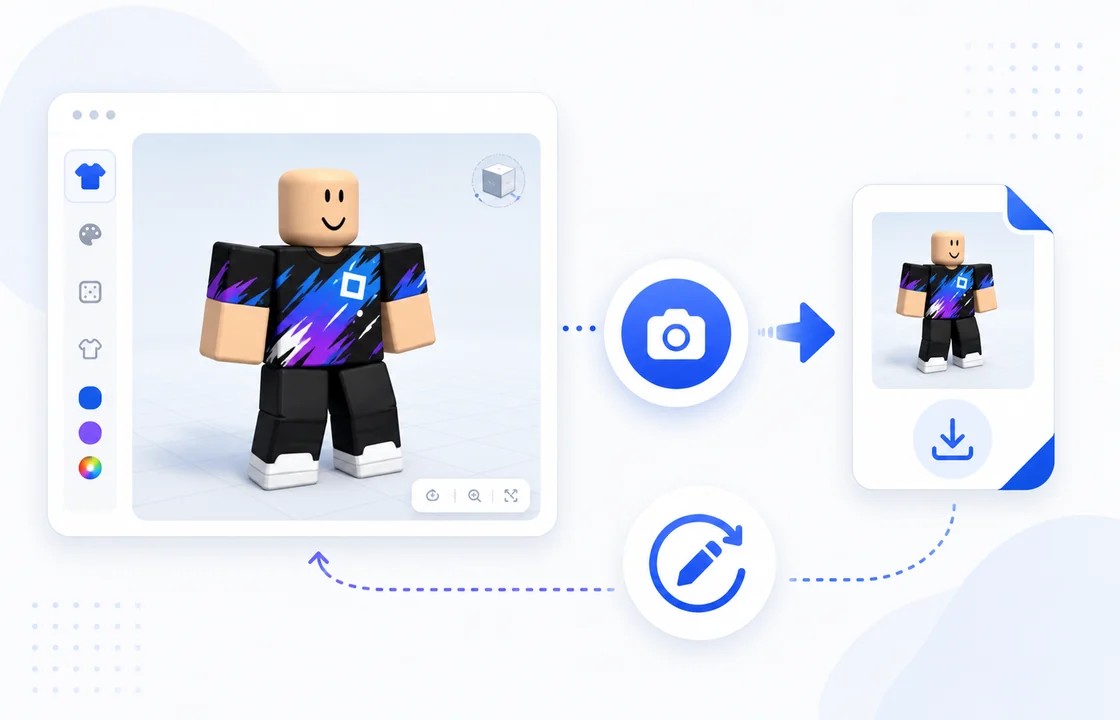
Save a screenshot for review, download the model for painting, or move to the AI Shirt Maker when you want a new design.
585×559 shirt and pants rectangles map to the Blocky body.
Preview sleeves, torso panels and leg panels against the same classic clothing template layout Roblox expects.
3 R15 body types + 6 skin tones catch fit issues before upload.
See whether outlines, shadows and seams still read clearly across common avatar shapes.
100% local processing keeps designs in your browser.
Template files are used for the preview session only and do not need an account or server upload.
Use the tester to see how a flat classic clothing image wraps around the torso, arms and legs before it reaches Roblox.
| Method | Upload to Roblox to check | Roblox Studio preview | UGCraft Clothing Tester |
|---|---|---|---|
| Cost | Full upload flow per attempt (80 Robux fee at submission) | Free but install ~1GB | Free |
| Time to first preview | ~5 min | ~10 min setup | ~5 seconds |
| Login required | Yes | Yes | No |
| Privacy | Public upload | Local | Local |
Yes. The shirt tester is free to use and does not require Robux, a login or a software install.
No. The preview runs in your browser, so your template file stays on your device during testing.
Roblox classic shirts and pants use 585×559 pixel templates. Other previewable image sizes may load, but 585×559 is the target format.
The clothes tester previews on R15 body types: Blocky, Man and Woman. Classic shirts and pants can still be used by Roblox avatars that support classic clothing.
Use the Try sample button for an instant demo, visit the free templates page, or download the official classic clothing templates from Roblox documentation.
Roblox experiences can use different lighting, avatar bundles and accessories. This tester gives a neutral preview of the classic template mapping.
No. This page is for previewing. When the design looks right, upload your 585×559 PNG through Roblox Creator Dashboard.
A shirt template wraps the torso and arms. A pants template wraps the waist and legs, so seams and panel placement need to be checked separately.
Classic t-shirts are front decals, not full wrap shirts. This tester currently focuses on classic shirts and pants; t-shirt preview is on the roadmap.
Yes. You can upload, paste and preview from a mobile browser, although large 3D previews work best on newer phones and tablets.
No — a Roblox shirt tester and a clothing tester are the same kind of tool. This clothes tester previews both shirt and pants templates on the same 3D avatar, so you only need one tool for classic clothing.
Create 3D layered clothing concepts for Roblox avatars.
Open toolTurn text or images into Roblox UGC accessory models.
Open toolGenerate a ready-to-upload classic shirt design with AI.
Open toolDownload blank classic clothing templates before you design.
Open toolStart from a prompt, generate a classic Roblox shirt template, then bring it back here to test the fit before upload.
Last updated: 2026-10-03