The Ultimate Online Roblox Accessory Maker
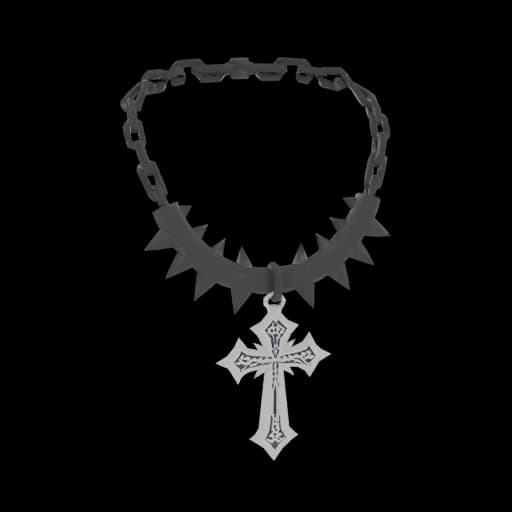
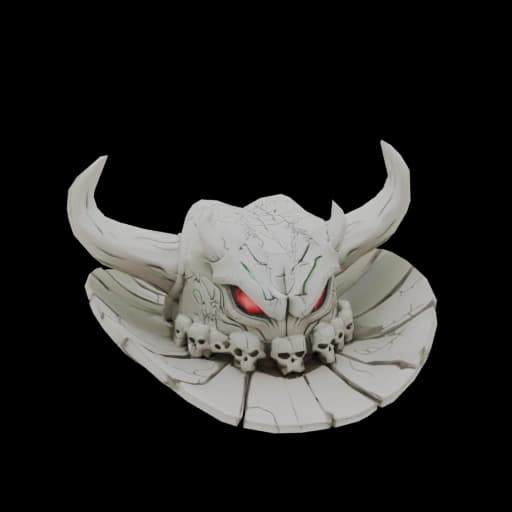
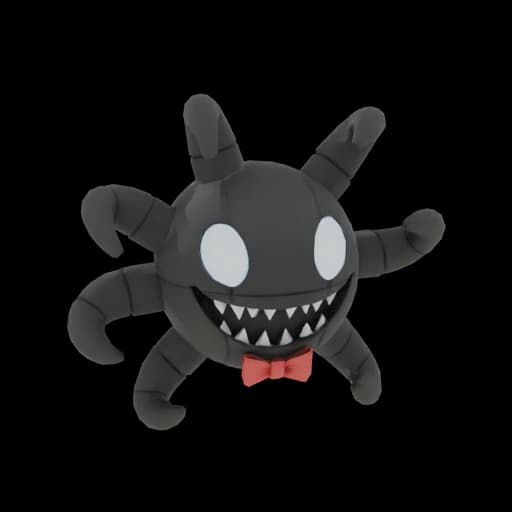
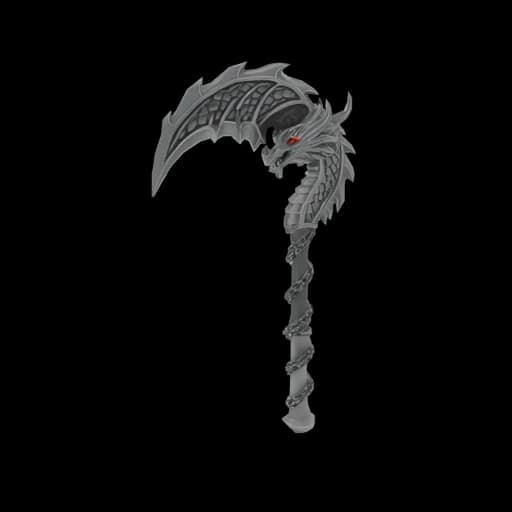
Whether you are a complete beginner or a pro developer, our Roblox Accessory Maker allows you to turn your ideas into stunning UGC items in seconds. Instead of wrestling with vertices and topology in Blender, you simply focus on the creative concept—we take care of the technical heavy lifting.
Why Choose ugcraft.ai?
No Blender Needed
Forget about learning complicated shortcuts. Our AI engine handles the complex geometry and poly-count limits automatically.
100% Online & Fast
Everything runs directly in your browser. There are no heavy downloads or installations. Create a custom accessory anywhere, anytime.
Marketplace Ready
Every asset generated is automatically optimized for the official Roblox Marketplace (UGC program compliant), ensuring smooth uploads.
Easy 3-Step Process
How to Make Roblox Accessories with AI
Creating UGC used to require weeks of training. With our AI generator, it is now as easy as typing a sentence. Follow these three simple steps to bring your vision to life:
- 1
Describe Your Vision
Type a detailed prompt into the text box. Be specific! For example: "A neon blue cybernetic helmet" or "Golden dragon wings with glowing edges."
- 2
Generate with AI
Click the generate button. The system analyzes your text and constructs a high-quality 3D model in minutes, automatically applying textures and optimizing the mesh for game performance.
- 3
Export & Upload
Download your file (typically .rbxm or .fbx). It is now ready to be imported into Roblox Studio via the Asset Manager. Creating custom items has never been this smooth.
Explore More UGC Tools
One AI studio for every Roblox creation — accessories, hair, hats, clothing, emotes and more.
Roblox Clothing Maker
Create layered 3D clothing for the Marketplace in minutes.
Roblox Shirt Maker
Design classic shirts, pants and t-shirts with AI — upload-ready textures.
Roblox Emote Maker
Turn a text prompt into a validated R15 emote, ready to sell.
Roblox Animation Maker
Generate R15 animations from text for NPCs, walk cycles and gameplay moves.
Roblox Cage Generator
Upload a clothing mesh and auto-generate cages + R15 skinning in seconds.
Roblox Clothing Tester
Preview any classic shirt, pants or t-shirt template on an R15 avatar — free, no login.
Frequently Asked Questions
What are accessories in Roblox?
How to make Roblox accessories with AI?
Is it free to make a Roblox accessory?
How to insert accessories in Roblox Studio?
1. Create your accessory: Use ugcraft.ai to generate a Roblox-ready accessory from text or image—no Blender needed.
2. Download the file: Export your accessory as FBX or OBJ format from ugcraft.ai.
3. Insert into Roblox Studio: Open Roblox Studio, go to "Asset Manager," click "Bulk Import," and select your downloaded file. Your accessory will appear in the workspace.
4. Put the accessory on your avatar: Drag the accessory onto your avatar model, adjust positioning using the Move/Scale tools, and configure attachment points.
With ugcraft.ai, you can create and insert custom accessories in minutes—perfect for beginners who want to add unique items to their Roblox creations. Want to create complete outfits? Try our Roblox Clothing Maker for layered clothing.
Create Professional Roblox Accessories in 2 Minutes
Use AI to build marketplace-ready UGC. No Blender skills required.