
AI Roblox Emote Maker
A Roblox emote maker is a tool that turns a text prompt into a publishable R15 emote in about 90 seconds — UGCraft adds an automatic validation pre-check so your Robux upload fee isn't wasted.
Why Creators Choose UGCraft
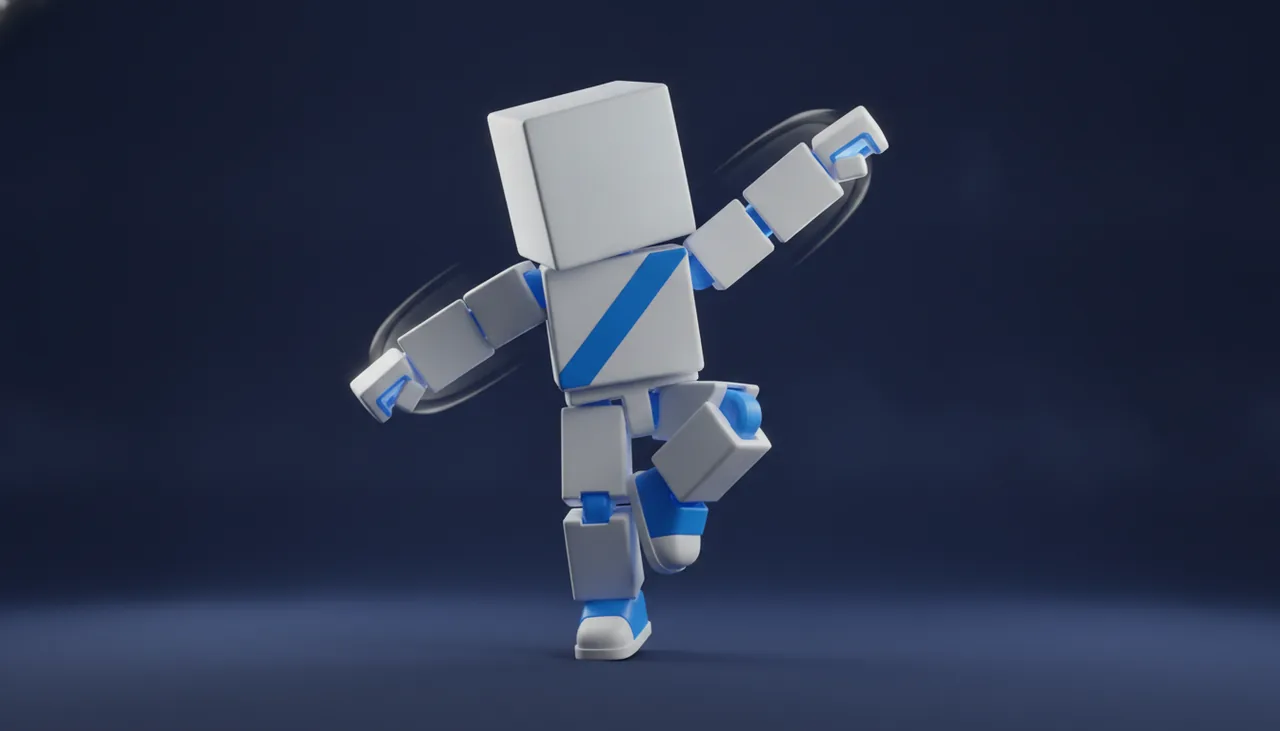
No Blender Needed
Describe the move and our AI animates it for you. No rigging, no keyframes, no 3D software — the technical work is handled automatically.
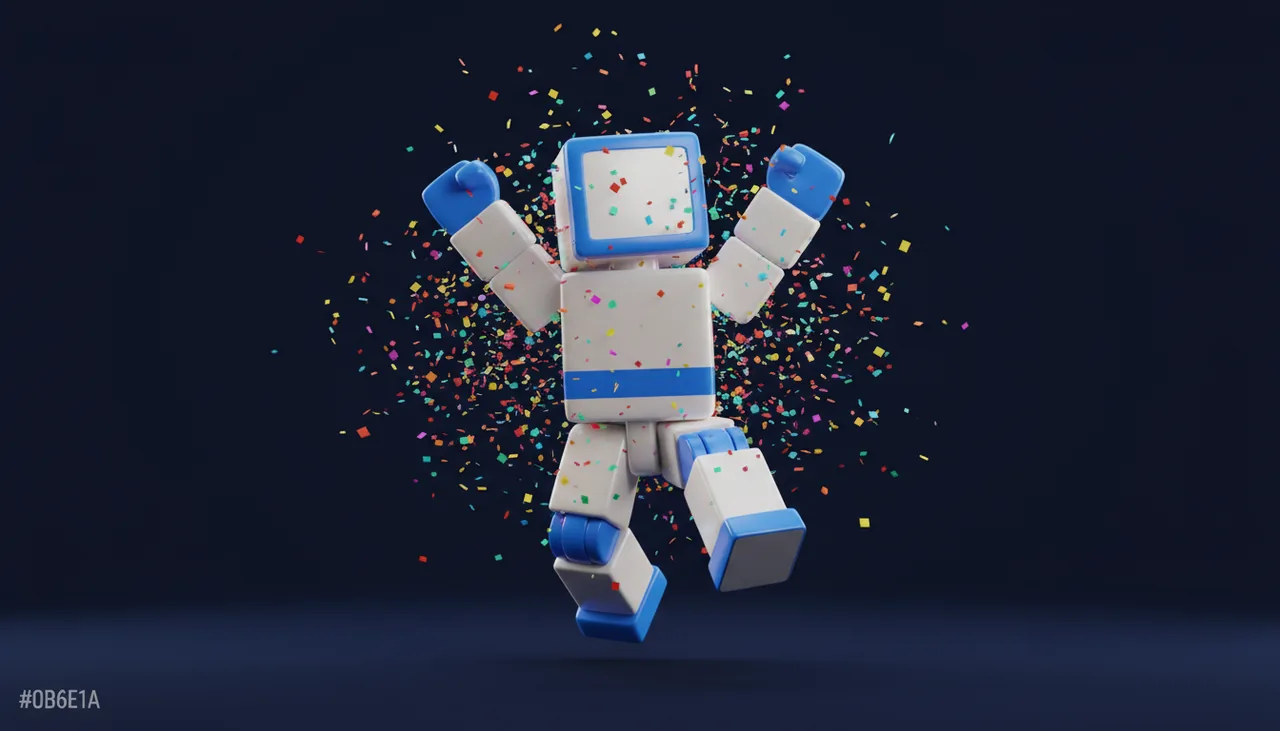
Pass Validation the First Time
Every emote runs through an automatic validation pre-check for the R15 rig and Roblox upload rules, so your 300-Robux upload fee is never wasted on a rejection.
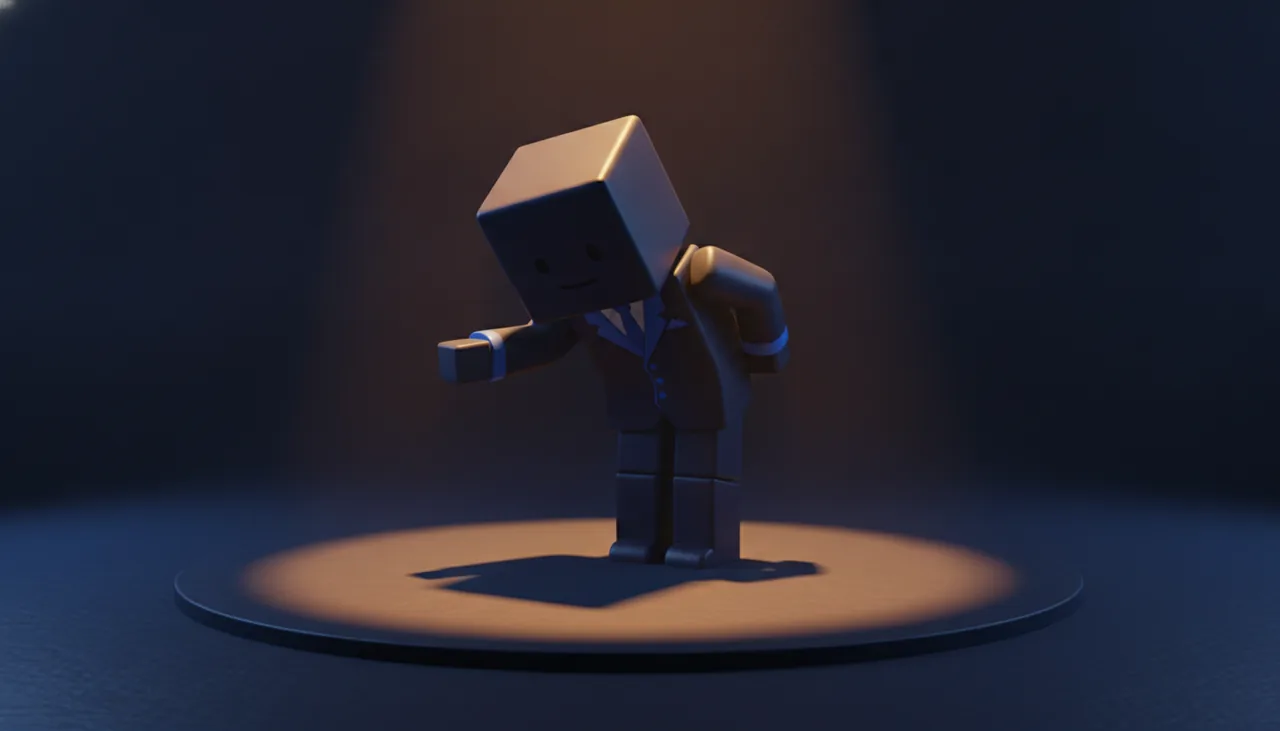
Sell on the Marketplace
Export a Marketplace-ready .rbxm or FBX and publish your emote as a UGC item to earn Robux. Pair it with custom accessories for a full look.
Easy 3-Step Process
How to Make a Roblox Emote in 3 Steps
Creating a custom Roblox emote used to mean wrestling with animation rigs in Blender. With UGCraft, it is as easy as describing a move. You can also pair your emote with custom accessories for a complete avatar look:
- 1
Describe the Move
Type what you want — for example "a victory dance with a spin" or "a shy wave". Pick a style and duration; no animation skills required.
- 2
Generate & Pre-Check
The AI builds an R15, CurveAnimation-ready emote in about 90 seconds and runs an automatic validation pre-check so you know it will upload cleanly.
- 3
Export & Upload
Download the .rbxm or FBX and upload it to Roblox as a UGC emote. Everything is Marketplace-ready — no Blender step in between.
Need Full Animations, Not Just Emotes?
The same engine also generates R15 animations for NPCs, walk cycles and gameplay — exported as FBX and .rbxm for Roblox Studio.
Open the Roblox Animation MakerExplore More UGC Tools
One AI studio for every Roblox creation — accessories, hair, hats, clothing, emotes and more.
Roblox Clothing Maker
Create layered 3D clothing for the Marketplace in minutes.
Roblox Accessory Maker
Generate 3D hats, hair, wings and gear from text or images — no Blender.
Roblox Shirt Maker
Design classic shirts, pants and t-shirts with AI — upload-ready textures.
Roblox Animation Maker
Generate R15 animations from text for NPCs, walk cycles and gameplay moves.
Roblox Cage Generator
Upload a clothing mesh and auto-generate cages + R15 skinning in seconds.
Roblox Clothing Tester
Preview any classic shirt, pants or t-shirt template on an R15 avatar — free, no login.
Frequently Asked Questions
Can I make a Roblox emote without Blender?
Can I sell the emotes I create?
Will my emote pass Roblox moderation?
How do I fix the 'AnimationRigData' error when uploading?
Can I recreate a TikTok dance as a Roblox emote?
Do these emotes work on R15 and R6 avatars?
How much does it cost, and how much can emotes earn?
How is this different from Mixamo?
Can I use the animation in my own game instead of selling it?
Who owns the emote, and what if I get a takedown?
Create Marketplace-Ready Roblox Emotes in 90 Seconds
Turn a text prompt into a validated R15 emote — no Blender, no rig headaches. Export FBX and .rbxm ready to upload.