
AI Roblox Animation Maker
A Roblox animation maker is a tool that turns a text prompt into a game-ready R15 animation. UGCraft generates the motion directly on the R15 rig, so you skip the usual Mixamo-to-Roblox retargeting, Blender exports and AnimationRigData errors — and get motion for NPCs, walk cycles and emote wheels in about 90 seconds.
Why Developers Choose UGCraft
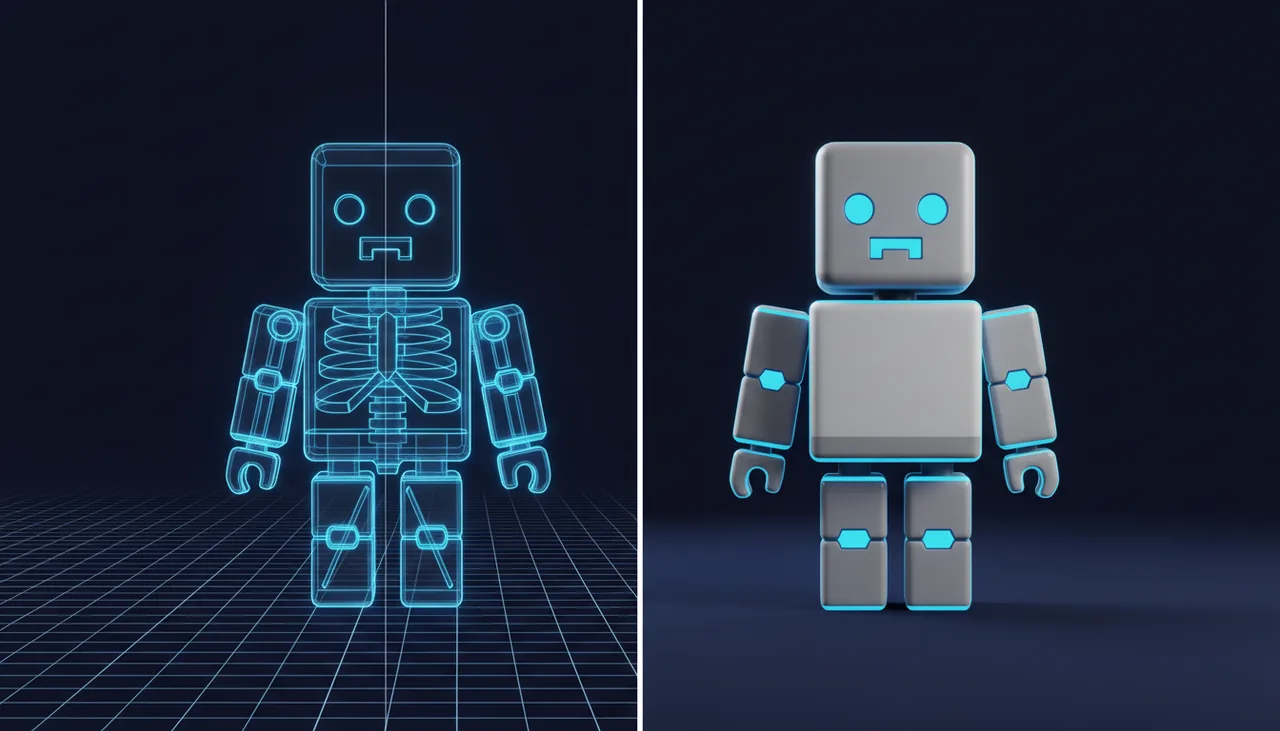
No Retargeting Hassle
Skip the Mixamo-to-Roblox retargeting that ends in broken rigs and AnimationRigData errors. Motion is generated directly on the R15 rig.
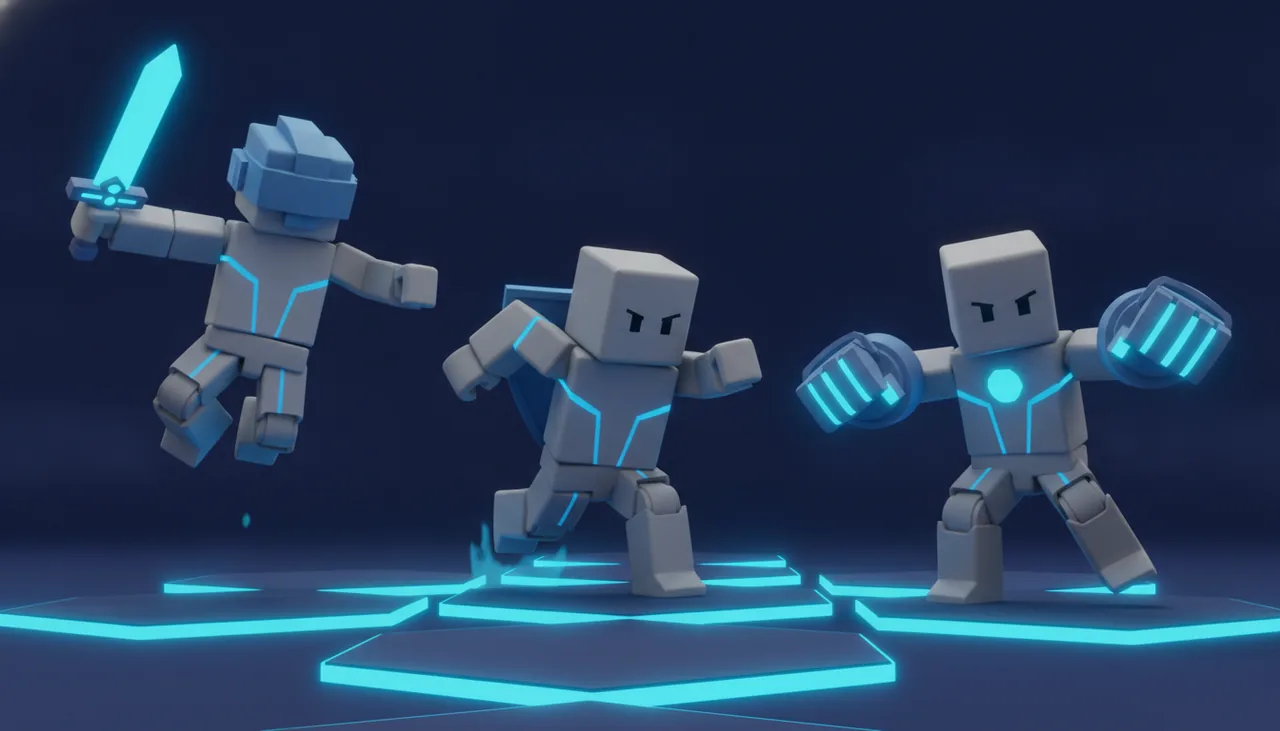
Game-Ready R15 Rig
Every clip is R15, CurveAnimation-ready — drop it straight into Roblox Studio for NPCs, emote wheels, combat moves and walk cycles.
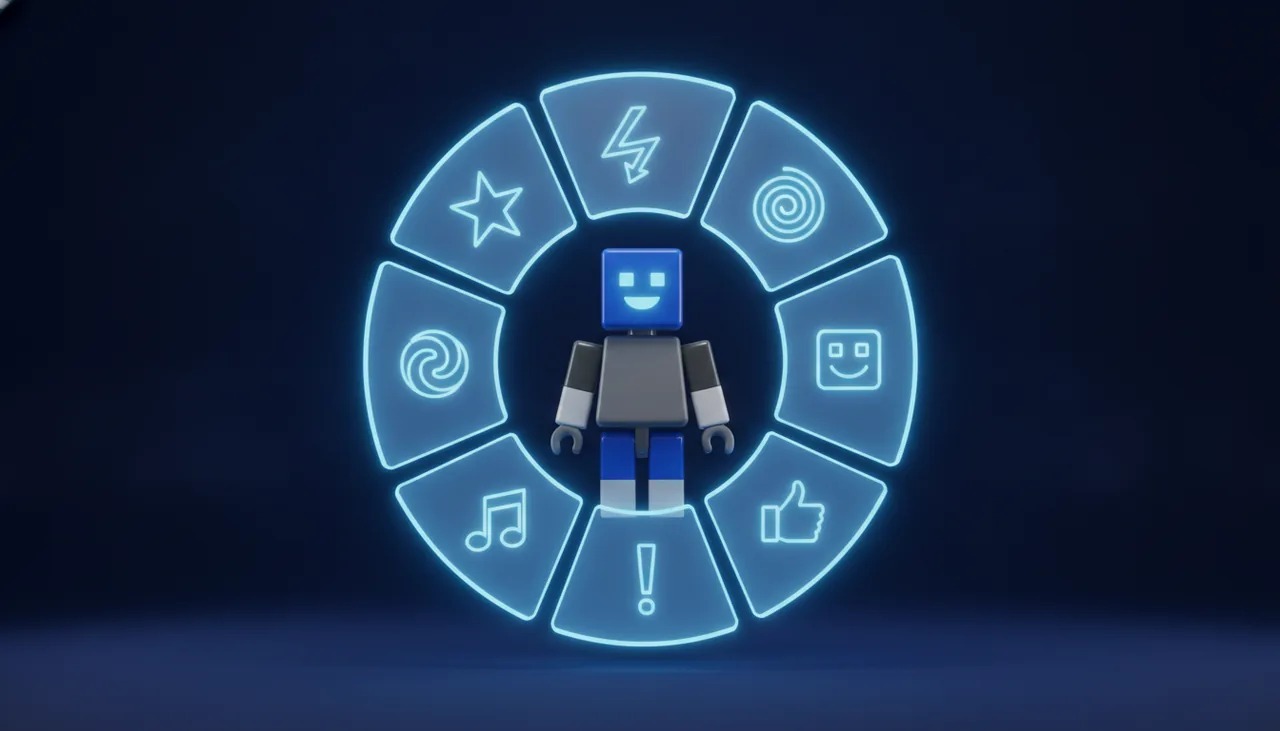
From Idea to Animation in Seconds
Type the motion you need and get an upload-ready file in about 90 seconds. Want to sell it instead? Use the Roblox Emote Maker.
3 Simple Steps
How to Make a Roblox Animation with AI
Getting animations into Roblox usually means retargeting from Mixamo and fixing rigs in Blender. UGCraft skips all of that — describe the motion and get a game-ready R15 animation in three steps:
- 1
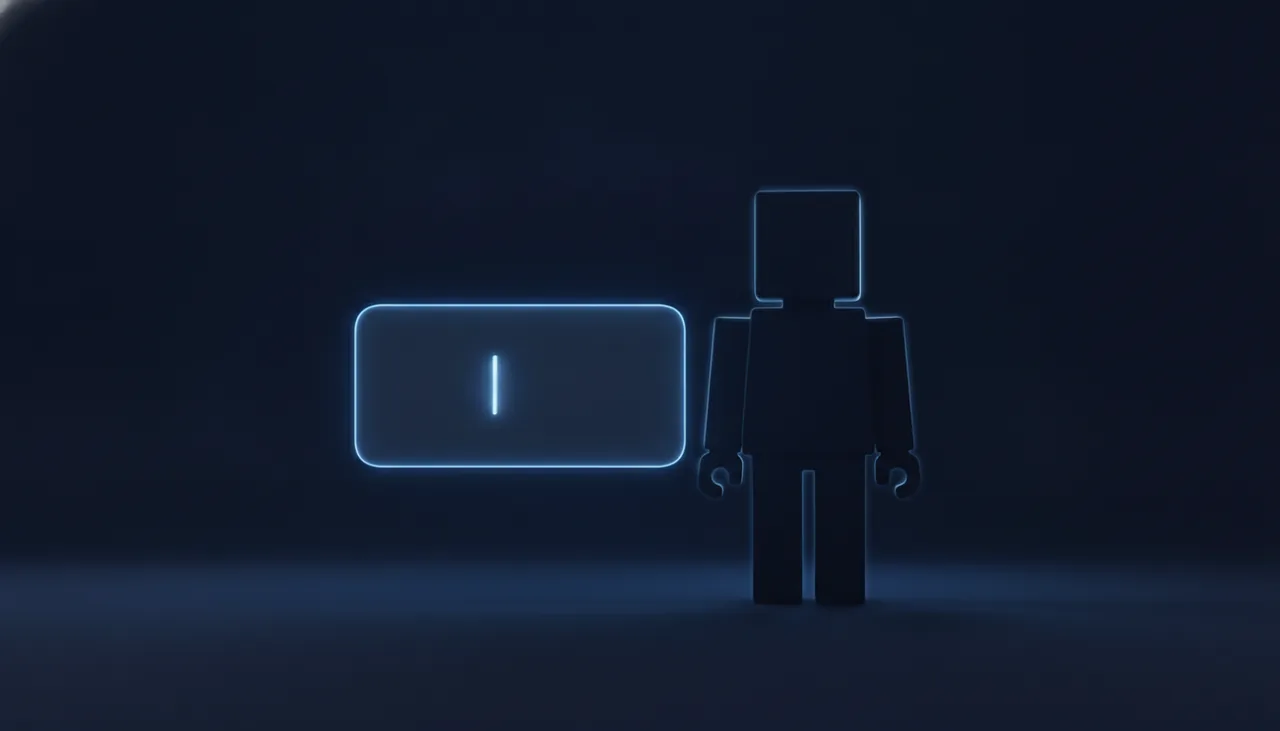
Describe the Motion
Enter the animation you need — "idle loop", "NPC greeting", "two-handed swing". Set the duration and let the AI handle the rig.
- 2
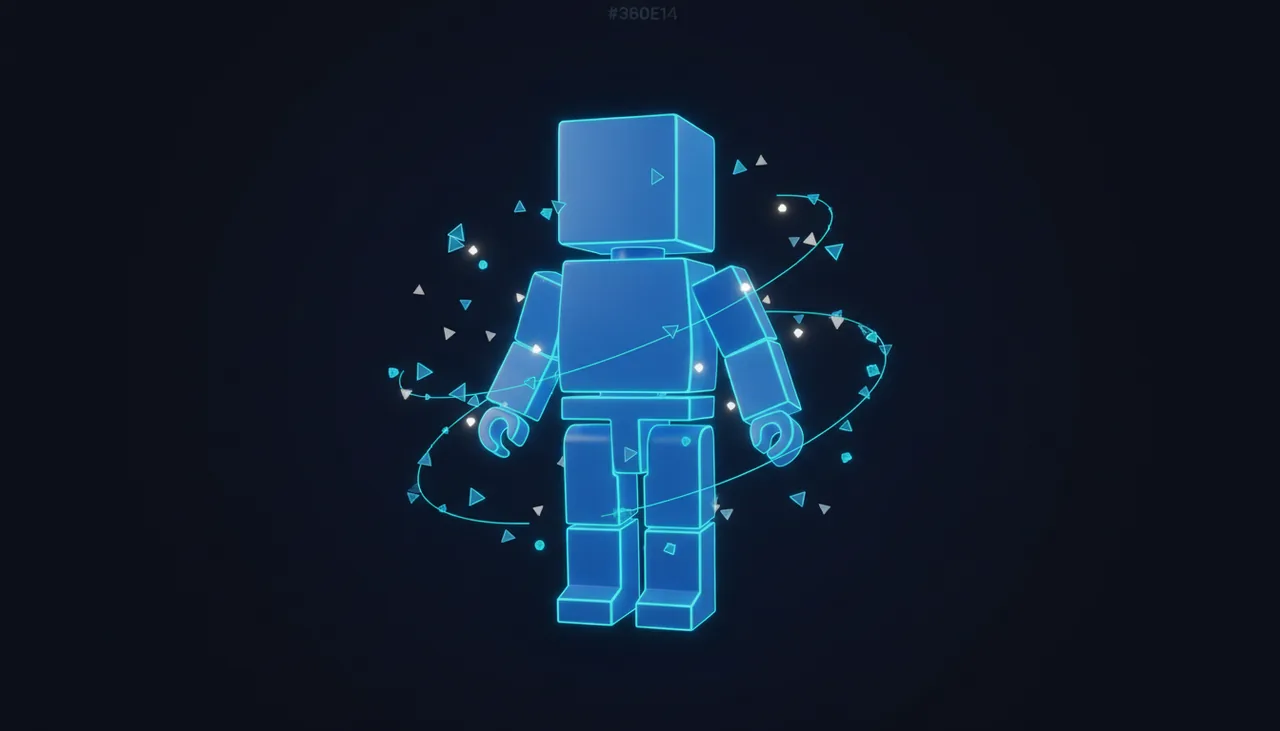
Generate R15 Animation
In about 90 seconds you get a clean R15, CurveAnimation-ready animation — no Mixamo retargeting and no Blender cleanup.
- 3
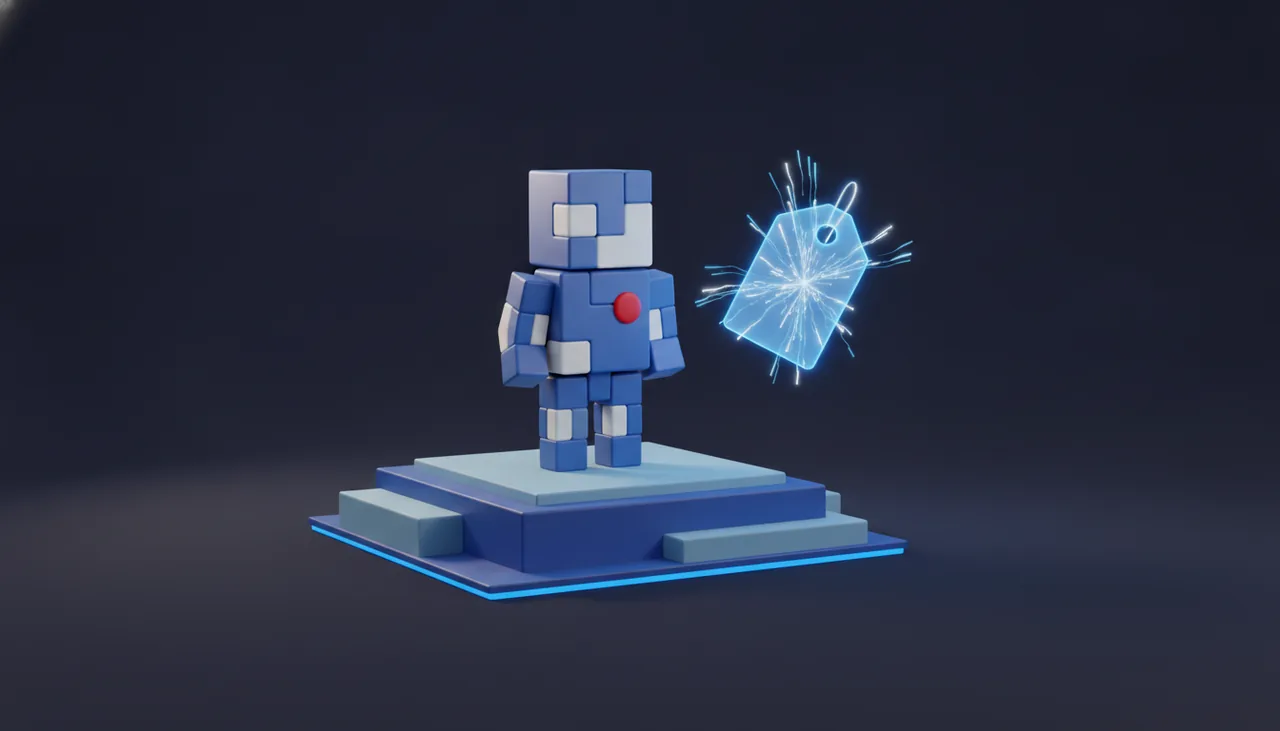
Export to Roblox Studio
Download the .rbxm or FBX and import it into Roblox Studio for NPCs, emote wheels or walk cycles. Ready to sell it? Open the Emote Maker.
Want to Sell It as an Emote?
Turn any animation you make here into a Marketplace-ready UGC emote — with an automatic validation pre-check so your 300-Robux upload fee is never wasted.
Open the Roblox Emote MakerExplore More UGC Tools
One AI studio for every Roblox creation — accessories, hair, hats, clothing, emotes and more.
Roblox Clothing Maker
Create layered 3D clothing for the Marketplace in minutes.
Roblox Accessory Maker
Generate 3D hats, hair, wings and gear from text or images — no Blender.
Roblox Shirt Maker
Design classic shirts, pants and t-shirts with AI — upload-ready textures.
Roblox Emote Maker
Turn a text prompt into a validated R15 emote, ready to sell.
Roblox Cage Generator
Upload a clothing mesh and auto-generate cages + R15 skinning in seconds.
Roblox Clothing Tester
Preview any classic shirt, pants or t-shirt template on an R15 avatar — free, no login.
Frequently Asked Questions
How do I turn text into a Roblox animation?
How does this compare to importing Mixamo animations to Roblox?
Do I need Blender or any animation software?
Can I use these animations for NPCs and gameplay?
What file formats do I get?
Does it support R15 and R6?
How long does generation take and what does it cost?
Can I sell an animation as a UGC emote?
What are the current limits of the animation maker?
Generate R15 Roblox Animations from Text
Describe the motion and get a game-ready R15 animation in about 90 seconds — no Mixamo retargeting, no Blender. Export FBX and .rbxm for Roblox Studio.